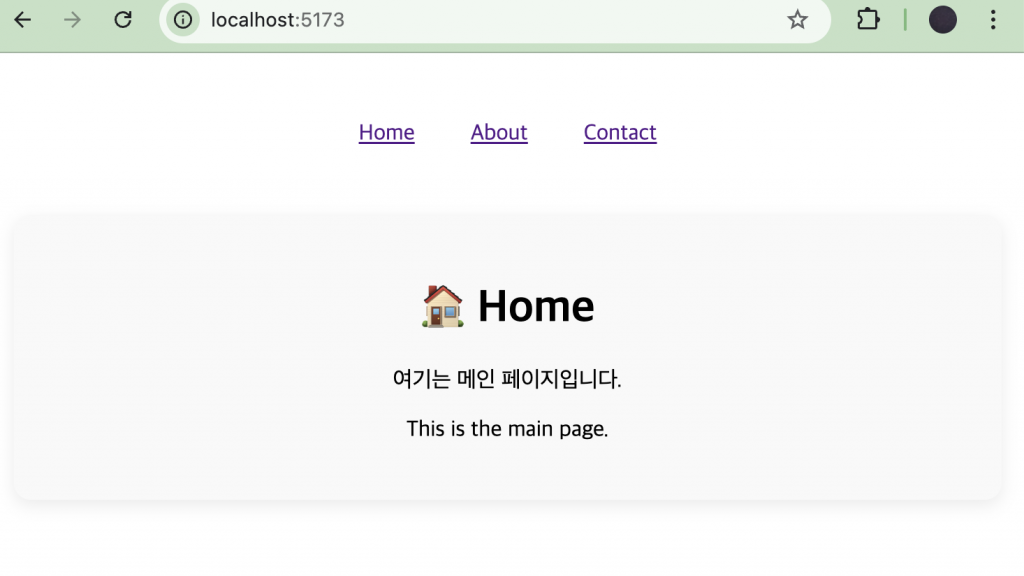
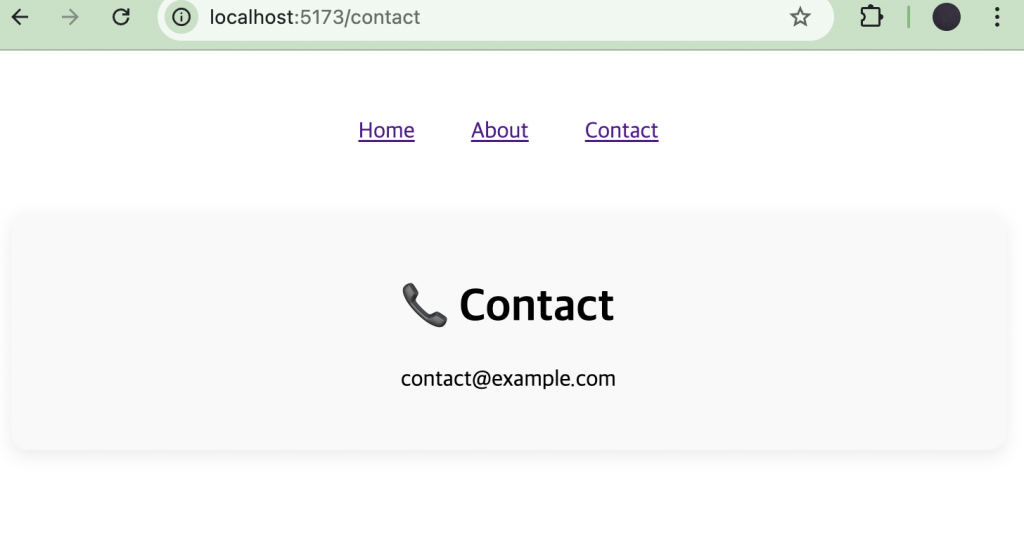
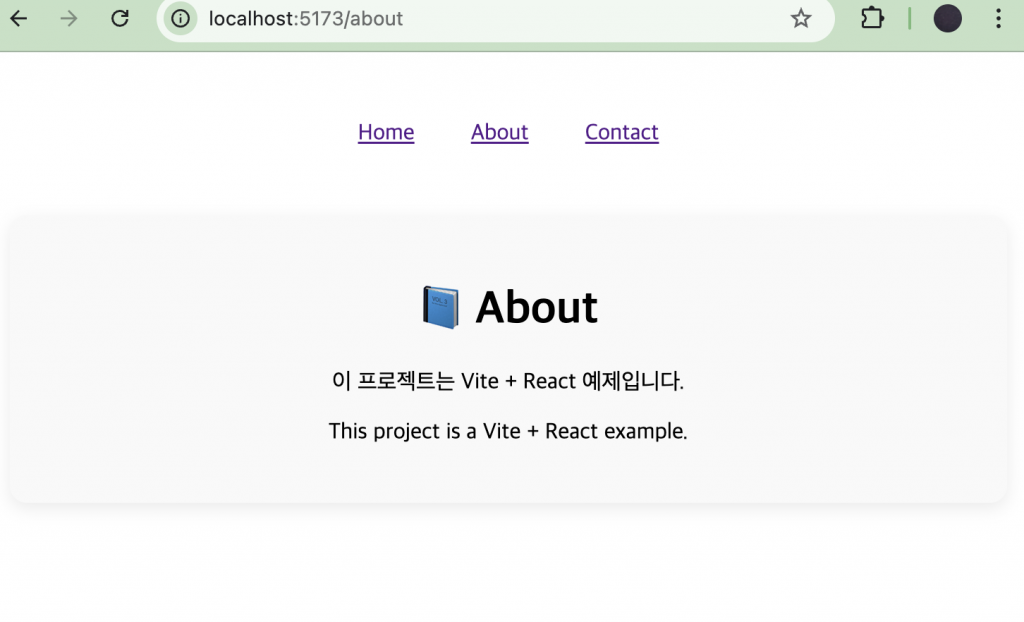
👉🏻 아래는 라우터를 사용한 화면전환 방식입니다.
Below is how to use the router.
👉🏻 라우터를 사용하게 되면 브라우저의 뒤로가기 버튼을 사용할 수 있습니다.
When using a router, you can use the back button on your browser.
👉🏻그래서 실제 웹페이지가 있는것처럼 브라우저 주소표시줄에서 접근 할 수 있습니다.
So you can access it from your browser address bar as if it were a real webpage.
👉🏻 프로젝트를 설치합니다.
Install the project.
% npm create vite@latest ReactExample3 --template react-ts
% cd ReactExample3
% npm install

# 서버 실행(실행테스트)
# Run the server (run test)
% npm run dev
👉🏻 프로젝트 설치 후 서버실행이 정상적으로 확인되면 라우터 모듈을 설치합니다.
After the project is installed and the server is running normally, install the router module.
npm install react-router-dom
# 또는 / or
yarn add react-router-dom
👉🏻 전체코드 / full code
✔️ main.tsx
import { StrictMode } from "react";
import { createRoot } from "react-dom/client";
// Router
import ReactDOM from "react-dom/client";
import { BrowserRouter } from "react-router-dom";

//import './index.css'
import App from "./App.tsx";

ReactDOM.createRoot(document.getElementById("root")!).render(
  <StrictMode>
    <BrowserRouter>
      <App />
    </BrowserRouter>
  </StrictMode>,
);
✔️ App.tsx
// App.tsx
import { useState } from "react";
import { Routes, Route, NavLink, useMatch } from "react-router-dom";
import "./App.css";

// page component
function Home() {
  return (
    <div className="page">
      <h1>🏠 Home</h1>
      <p>여기는 메인 페이지입니다.</p>
      <p>This is the main page.</p>
    </div>
  );
}

function About() {
  return (
    <div className="page">
      <h1>📘 About</h1>
      <p>이 프로젝트는 Vite + React 예제입니다.</p>
      <p>This project is a Vite + React example.</p>
    </div>
  );
}

function Contact() {
  return (
    <div className="page">
      <h1>📞 Contact</h1>
      <p>contact@example.com</p>
    </div>
  );
}

// 메인 App 컴포넌트
function App() {
  return (
    <div className="container">
      <nav className="nav">
        <NavLink
          to="/"
          className={({ isActive }) => (isActive ? "active" : "")}
        >
          Home
        </NavLink>

        <NavLink
          to="/about"
          className={({ isActive }) => (isActive ? "active" : "")}
        >
          About
        </NavLink>

        <NavLink
          to="/contact"
          className={({ isActive }) => (isActive ? "active" : "")}
        >
          Contact
        </NavLink>
      </nav>

      <div className="content">
        <Routes>
          <Route path="/" element={<Home />} />
          <Route path="/about" element={<About />} />
          <Route path="/contact" element={<Contact />} />

          {/* 404 처리 (선택사항) */}
          <Route path="*" element={<div>페이지를 찾을 수 없습니다 😅</div>} />
        </Routes>
      </div>
    </div>
  );
}

export default App;
✔️ App.css
html,
body,
#root {
    height: 100%;
    margin: 0;
    padding: 0;
}

.container {
    min-height: 100vh;
    display: flex;
    flex-direction: column;
    align-items: center;
    justify-content: flex-start;
    padding: 2rem 1rem;
    box-sizing: border-box;
}

.nav {
    width: 100%;
    max-width: 800px;
    display: flex;
    justify-content: center;
    gap: 2.5rem;
    margin-bottom: 2rem;
    padding: 1rem 0;
}

.content {
    width: 100%;
    max-width: 800px;
    text-align: center;
}

.page {
    padding: 1.5rem;
    background: #f9f9f9;
    border-radius: 12px;
    box-shadow: 0 4px 12px rgba(0, 0, 0, 0.08);
}
👉🏻 스크린 샷 / ScreenShot