👉🏻 C++의 httplib를 사용한 매우 간단한 웹서버 입니다.
This is a very simple web server using C++’s httplib.
👉🏻 sqllite데이터베이스를 추가했습니다.
Added SQLite database.
👉🏻 데이터 추가 삭제 및 전체데이터 보기를 할 수 있습니다.
You can add, delete, and view all data.
👉🏻코드 / code
✔️ httplib.h
— 아래의 명령어로 다운로드합니다.
Download using the command below.
✔️ server.cpp
#include "httplib.h"
#include <sqlite3.h>
#include <iostream>

int main( ) {
    httplib::Server svr;
    sqlite3* db;

    // 데이터베이스 파일 열기 (없으면 생성됨 )
    // Open database file (creates if it does not exist)
    if (sqlite3_open("test.db", &db)) {
        std::cerr << "DB open failed!" << std::endl;
        return 1;
    }
    // 루트 라우터(html적용)
    // Root Router (HTML applied)
    svr.Get("/",[](const httplib::Request &req, httplib::Response &res){
     res.set_content("<h1>Hello! silver hand!!!👋</h1>","text/html; charset=utf-8");
    });

    // 테이블 생성 및 초기 데이터 입력
    // Create table and input initial data
    svr.Get("/init", [&](const httplib::Request&, httplib::Response& res ) {
        char* errMsg = nullptr;

        // 테이블 생성 SQL
        // table creation SQL
        const char* create_sql = "CREATE TABLE IF NOT EXISTS users (id INTEGER PRIMARY KEY AUTOINCREMENT, name TEXT);";
        if (sqlite3_exec(db, create_sql, nullptr, nullptr, &errMsg) != SQLITE_OK) {
            res.set_content("{\"error\": \"Table creation failed: " + std::string(errMsg) + "\"}", "application/json");
            sqlite3_free(errMsg);
            return;
        }

        // 테스트 데이터 삽입 (Silver Hand 추가)
        // Insert test data (Add Silver Hand)
        const char* insert_sql = "INSERT INTO users (name) VALUES ('Silver Hand 👋');";
        if (sqlite3_exec(db, insert_sql, nullptr, nullptr, &errMsg) != SQLITE_OK) {
            res.set_content("{\"error\": \"Insert failed: " + std::string(errMsg) + "\"}", "application/json");
            sqlite3_free(errMsg);
            return;
        }

        res.set_content("{\"message\": \"Table created and data initialized!\"}", "application/json; charset=utf-8");
    });


    // API 요청 시 DB 조회하기
    // Querying DB when making API requests
    svr.Get("/user", [&](const httplib::Request&, httplib::Response& res ) {
        // 가장 최근에 추가된 사용자 1명의 이름을 가져옵니다.
        const char* sql = "SELECT name FROM users ORDER BY id DESC LIMIT 1;";
        sqlite3_stmt* stmt;

        if (sqlite3_prepare_v2(db, sql, -1, &stmt, nullptr) == SQLITE_OK) {
            if (sqlite3_step(stmt) == SQLITE_ROW) {
                const char* name = (const char*)sqlite3_column_text(stmt, 0);
                res.set_content("{\"username\": \"" + std::string(name ? name : "") + "\"}", "application/json; charset=utf-8");
            } else {
                res.status = 404;
                res.set_content("{\"error\": \"No users found. Please run /init first.\"}", "application/json; charset=utf-8");
            }
            sqlite3_finalize(stmt);
        } else {
            res.set_content("{\"error\": \"Query failed\"}", "application/json");
        }
    });


    // 전체 사용자 목록 조회
    // View all user list
    svr.Get("/users", [&](const httplib::Request&, httplib::Response& res ) {
        const char* sql = "SELECT id, name FROM users;";
        sqlite3_stmt* stmt;
        std::string json = "[";

        if (sqlite3_prepare_v2(db, sql, -1, &stmt, nullptr) == SQLITE_OK) {
            bool first = true;
            while (sqlite3_step(stmt) == SQLITE_ROW) {
                if (!first) json += ",";
                int id = sqlite3_column_int(stmt, 0);
                const char* name = (const char*)sqlite3_column_text(stmt, 1);
                json += "{\"id\":" + std::to_string(id) + ", \"name\":\"" + (name ? name : "") + "\"}";
                first = false;
            }
            sqlite3_finalize(stmt);
        }
        json += "]";
        res.set_content(json, "application/json; charset=utf-8");
    });

    // 전체 데이터 삭제
    // Delete all data
    svr.Get("/clear", [&](const httplib::Request&, httplib::Response& res ) {
        char* errMsg = nullptr;
        //const char* delete_sql = "DELETE FROM users;";
        //데이터 삭제 + ID 카운터 초기화 / Delete all data and reset ID counter
        const char* delete_sql = "DELETE FROM users; DELETE FROM sqlite_sequence WHERE name='users';";


        if (sqlite3_exec(db, delete_sql, nullptr, nullptr, &errMsg) != SQLITE_OK) {
            res.set_content("{\"error\": \"Delete failed: " + std::string(errMsg) + "\"}", "application/json");
            sqlite3_free(errMsg);
            return;
        }

        res.set_content("{\"message\": \"All data cleared!\"}", "application/json; charset=utf-8");
    });


    std::cout << "server listen 0.0.0.0:8080" << std::endl;
    svr.listen("0.0.0.0", 8080);

    sqlite3_close(db);
    return 0;
}
👉🏻 컴파일 / Compiling
g++ -o server server.cpp -std=c++11 -pthread -lsqlite3✔️ 서버실행 / Run server

✔️ 브라우저에서 라우트 실행 / Run route in browser
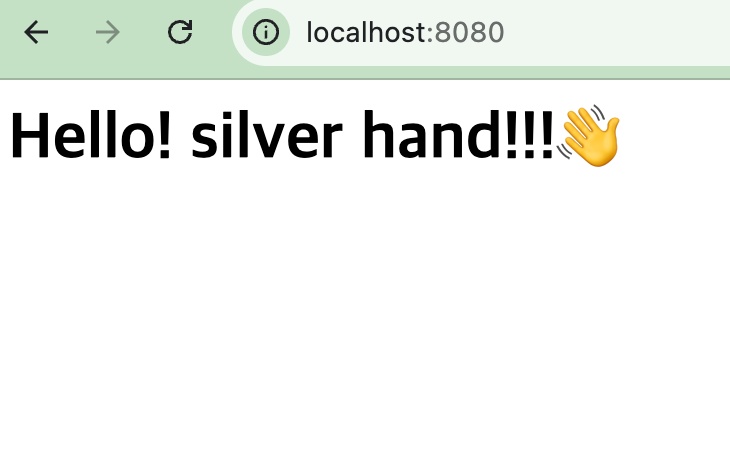
— 루트 라우트 / root route
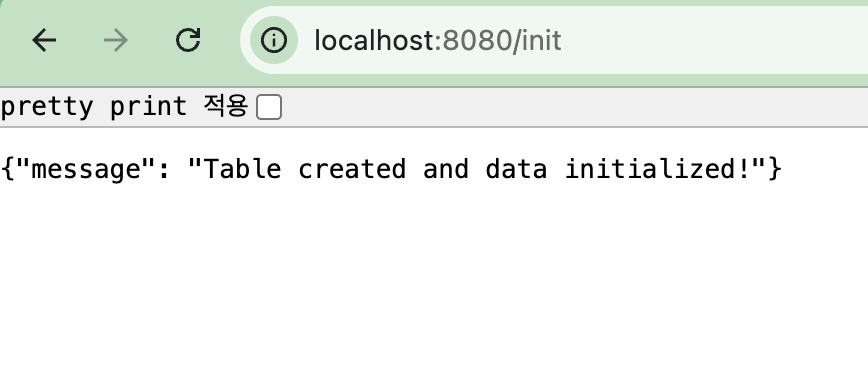
— 데이터입력 라우트 / Data input route
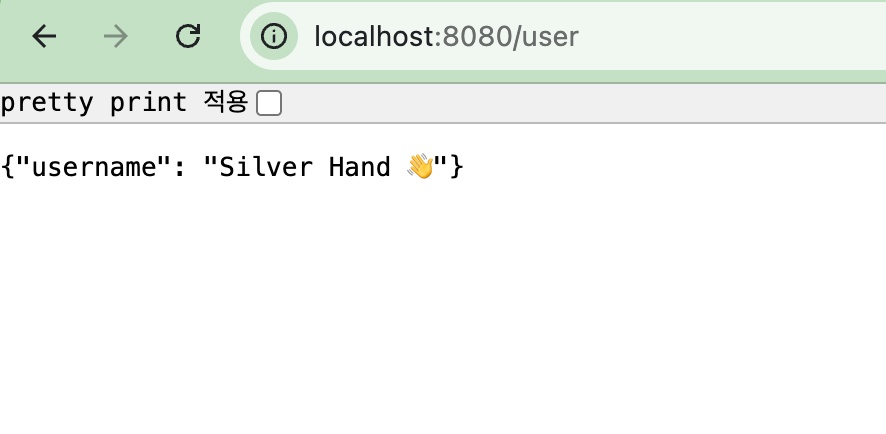
— 데이터 입력확인 라우트 / Data input verification route
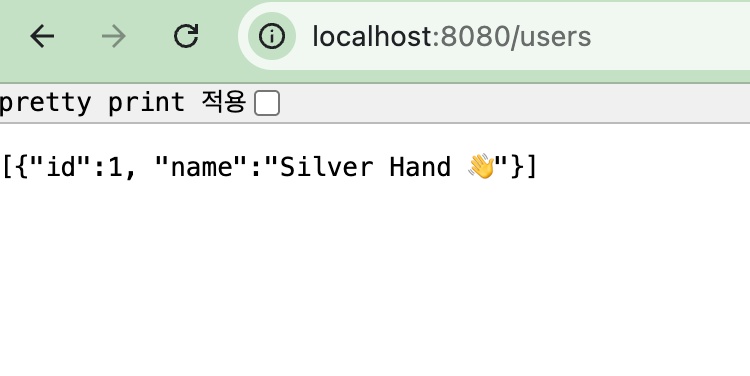
— 전체 데이터 확인 / Check full data