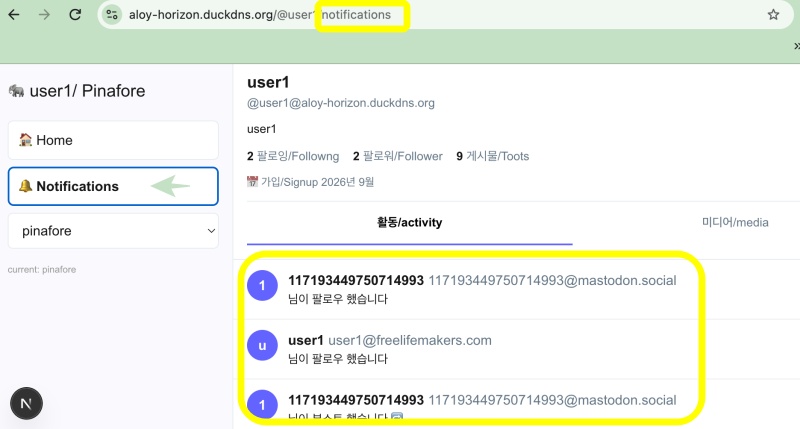
👉🏻 C++의 httplib를 사용한 매우 간단한 웹서버 입니다.
This is a very simple web server using C++’s httplib.
👉🏻 httplib 웹서버에 리액트를 추가했습니다.
I added React to the httplib web server.
⭐️ 리액트 디렉토리는 리액트 프로젝트를 설치하면 생성됩니다. www 디렉토리는 직접 생성해야 합니다.
The React directory is created when you install a React project. You must create the www directory manually.
👉🏻 먼저 Vite+React 생성 및 실행 합니다.
First, create and run Vite+React.
# 최신 Vite + React 설치 / Install the latest Vite + React
npm create vite@latest react -- --template react-js

# 프로젝트 폴더로 이동 / Go to project folder
cd react

# 의존성 설치 / install dependencies
npm install

# 개발 서버 실행 / Run development server
npm run dev

# 또는 http://localhost:5173/ 접속 / Or access http://localhost:5173/
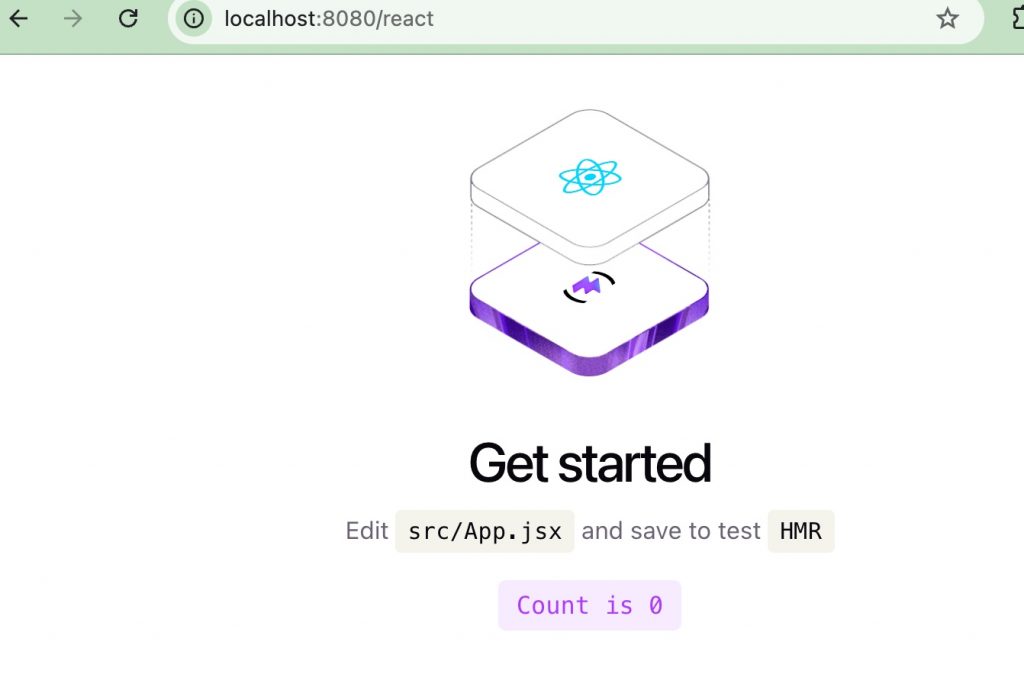
👉🏻 리액트 페이지가 정상적으로 보이는지 확인합니다.
Check if the React page is displayed correctly.
👉🏻 react디렉토리가 생성되었다면 react디렉토리로 이동합니다.
If the react directory has been created, navigate to the react directory.
👉🏻 서버 실행시 리액트는 /react로 설정합니다. 그래서 아래와 같이 vite.config.js파일을 수정합니다.
When running the server, React is configured to /react. Therefore, modify the vite.config.js file as follows.
import { defineConfig } from 'vite'
import react from '@vitejs/plugin-react'

// https://vite.dev/config/
export default defineConfig({
  plugins: [react()],
  base: '/react/',// Added
})
👉🏻 리액트를 빌드하고 결과물(dist 디렉토리)을 www 디렉토리 아래로 복사합니다.
Build React and copy the output (dist directory) under the www directory.
⭐️ www디렉토리가 없다면 server디렉토리 옆에 만들면됩니다.
If the www directory does not exist, you can create it next to the server directory.
npm run build
rsync -a ./dist ../www/
👉🏻서버코드 / Server Code
✔️ httplib.h
— 아래의 명령어로 다운로드합니다.
Download using the command below.
curl -L https://raw.githubusercontent.com/yhirose/cpp-httplib/master/httplib.h -o httplib.h✔️ server.cpp
#include "httplib.h"
#include <iostream>

int main( ) {
    httplib::Server svr;

    // 기본 라우트 / default route
    svr.Get("/", [](const httplib::Request&, httplib::Response& res ) {
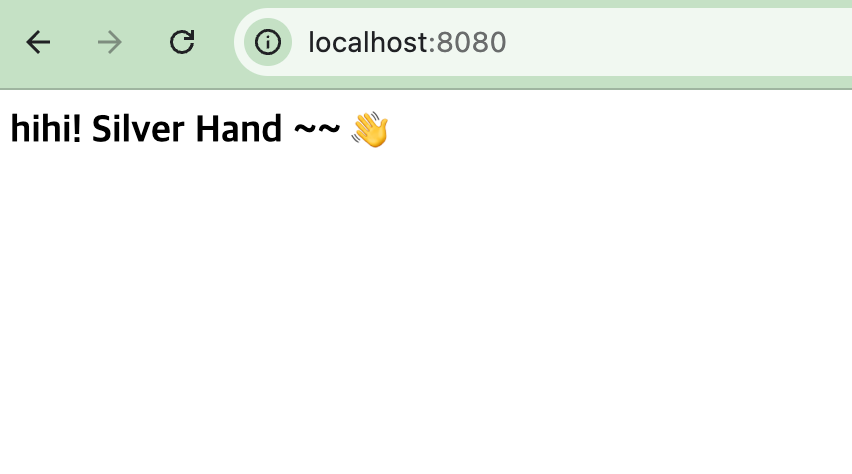
        res.set_content("<h3>hihi! Silver Hand ~~ 👋</h3>", "text/html; charset=utf-8");
    });

    // 리액트 경로 / react path
    if (!svr.set_mount_point("/react", "../www/dist")) {
        std::cerr << "리액트 경로 폴더를 찾을 수 없습니다! 경로를 확인하세요./React path folder not found! Please check the path." << std::endl;
        return 1;
    }

    // API 라우트 / api route
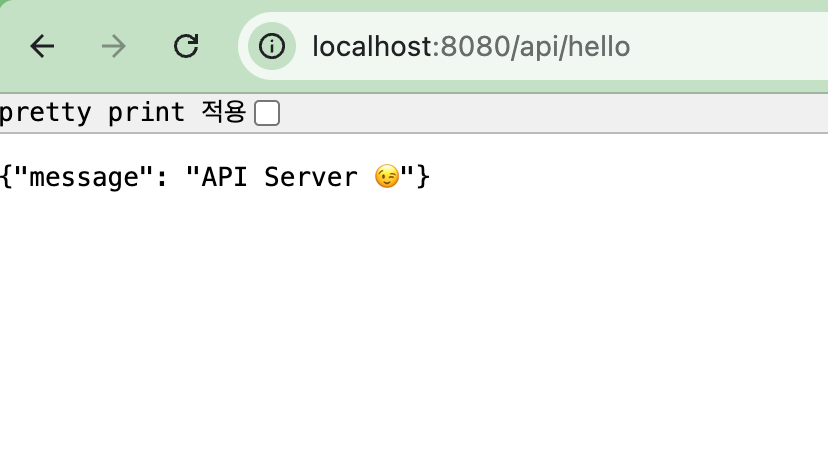
    svr.Get("/api/hello", [](const httplib::Request&, httplib::Response& res ) {
        res.set_content("{\"message\": \"API Server 😉\"}", "application/json; charset=utf-8");
    });

    // 404 에러 핸들러 / 404 error handler
    svr.set_error_handler([](const httplib::Request& req, httplib::Response& res ) {
        if (res.status == 404) {
            // 서버 터미널에 에러 기록 (관리자 확인용)
            std::cerr << "[404 Error] 요청된 경로를 찾을 수 없음: " << req.path << std::endl;

            // 브라우저 화면에 안내 메시지 전송 (사용자 확인용)
            res.set_content(
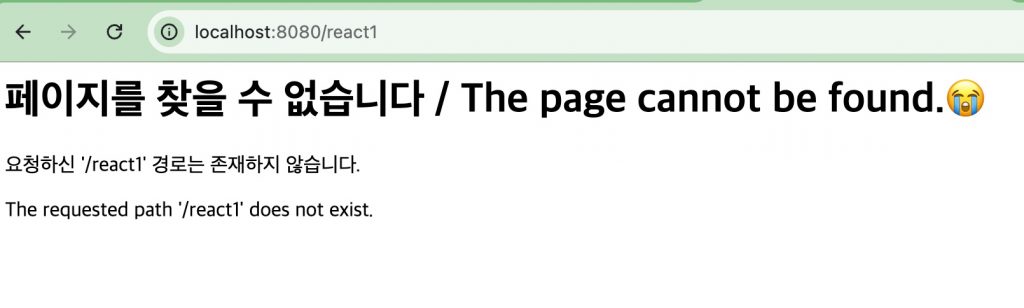
                "<h1>페이지를 찾을 수 없습니다 / The page cannot be found.😭</h1>"
                "<p>요청하신 '" + req.path + "' 경로는 존재하지 않습니다.</p>"
                "<p>The requested path '" + req.path + "' does not exist.</p>",
                "text/html; charset=utf-8"
            );
        }
    });

    std::cout << "Server Listen http://localhost:8080" << std::endl;
    svr.listen("0.0.0.0", 8080 );

    return 0;
}
👉🏻컴파일 / Compiling
g++ -o server server.cpp -std=c++11 -pthread👉🏻 서버실행 / Run Server
./server👉🏻 브라우저로 서버접속 / Connect to server with browser
✔️ 기본 루트 라우트 접속 / Access default root route
✔️ 리액트 라우트 접속 / React Route Access
✔️ API라우트 접속 / API route connection
✔️ 존재하지않는 라우트실행 / Execute non-existent route