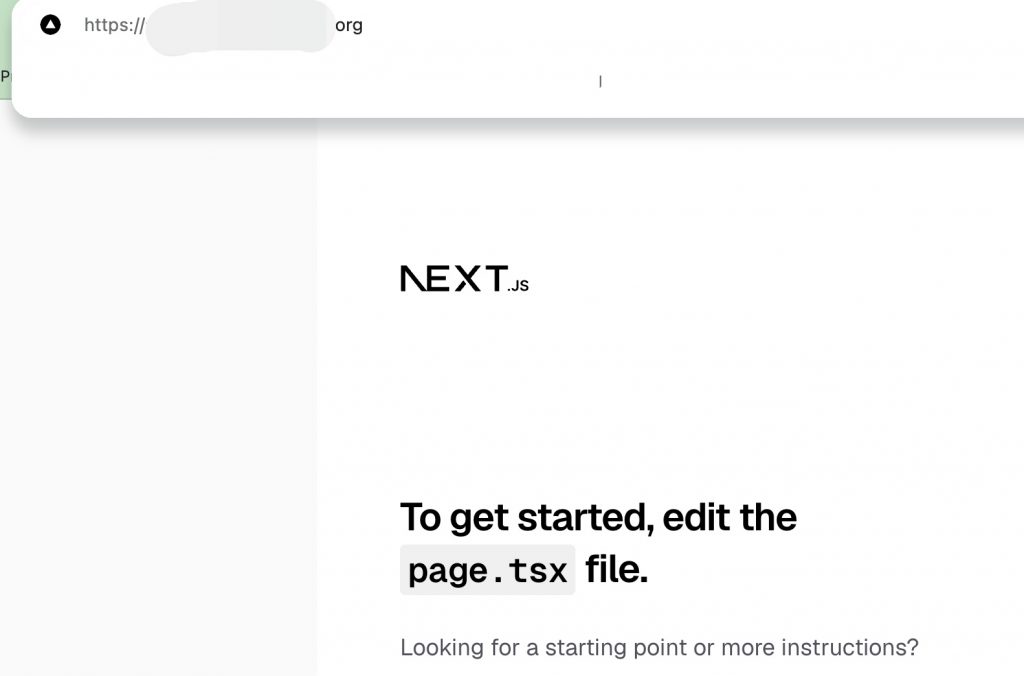
👉🏻 Nextjs설정 프로젝트 시작과 함께 여러분의 로컬 PC에 https설정을 합니다.
As part of the Next.js project setup, you will configure HTTPS on your local machine.
👉🏻 이전에는 https설정을 위해서 nginx와 certbot을 설치해서 사용했습니다.
Previously, I installed and used Nginx and Certbot to set up HTTPS.
👉🏻 이번에는 간단히 cadddy로 https를 구현할 예정입니다.
This time, I plan to implement HTTPS using Caddy.
👉🏻 기존 방식보다는 설정이 매우 간편하기 때문에 작은 프로젝트는 cadddy를 추천합니다.
I recommend Caddy for small projects because it is much easier to set up than traditional methods.
👉🏻 성능이 중요한 곳은 Nginx+Certbot을 사용하시고 간단한 프로젝트는 caddy를 사용하시면됩니다.
성능이 중요한 곳은 Nginx+Certbot을 사용하시고 간단한 프로젝트는 caddy를 사용하시면됩니다.
👉🏻 도메인은 DDNS를 사용합니다.
The domain uses DDNS.
📁 Nextjs 프로젝트 생성
Create a Next.js project
npx create-next-app@latest📁 도메인 허용 / Allow Domain
— next.config.ts에 아래처럼 도메인을 허용합니다.
Allow the domain in next.config.ts as shown below.
import type { NextConfig } from "next";

const nextConfig: NextConfig = {
  /* config options here */
allowedDevOrigins: ['host.yourdomain.org', '*.yourdomain.org'],
};

export default nextConfig;
📁 https설정 / HTTPS configuration
✔️ macOS
— Caddy는 범용 웹서버로 ngin보다훨씬 쉽게 https설정을 할 수 있습니다.
Caddy is a general-purpose web server that makes setting up HTTPS much easier than Nginx.
— Caddy가 80으로 접속하면 3000포트로 포워딩 해줍니다.
When Caddy receives a request on port 80, it forwards it to port 3000.
brew install caddy— Caddy file 만들기(myapp11 프로젝트내 )
Create a Caddyfile (within the myapp11 project)
# 파일열기 / Open File
nano Caddyfile

# 설정 작성 / Create Configuration
aloy-horizon.duckdns.org {
    reverse_proxy localhost:3000
}

#파일 저정후 종료 / Save file and exit (Ctrl + O,Ctrl + x)
— Caddy 실행 / Run Caddy
caddy fmt --overwrite Caddyfile
caddy run

# background

caddy start
caddy stop

# 재부팅시에도 적용하려면
# To apply the setting even after rebooting

brew services start caddy
brew services stop caddy
✔️ Linux
— Caddy 설치 / Installing Caddy
sudo apt install -y debian-keyring debian-archive-keyring apt-transport-https curl

curl -1sLf 'https://dl.cloudsmith.io/public/caddy/stable/gpg.key' | sudo gpg --dearmor -o /usr/share/keyrings/caddy-stable-archive-keyring.gpg

curl -1sLf 'https://dl.cloudsmith.io/public/caddy/stable/debian.deb.txt' | sudo tee /etc/apt/sources.list.d/caddy-stable.list

sudo apt update
sudo apt install caddy
— Caddy 실행 / Run Caddy
#
sudo mv Caddyfile /etc/caddy/Caddyfile
sudo nano /etc/caddy/Caddyfile

 host.yourdomain.org {
     reverse_proxy localhost:3000
 }

sudo systemctl enable --now caddy
sudo systemctl status caddy
📁 브라우저 접속 / Access Browser