PHP는 데이터베이스 연동이나 파일,메일 처리,리눅스 서버 연동 등 여러가지 기능을 가지고 있습니다. 동적인 웹사이트 제작에 있어서 점유율이 상당히 높다는 것을 알 수 있습니다. (약 70%이상의 웹사이트 제작에 사용되고 있습니다.)
관심 있으신 분들을 위해서 php파일을 실행하는 방법에 대해서 다루도록 하겠습니다.
PHP는 Apache웹서버, Mysql데이터베이스 서버 환경에 가장 최적화 되어 있습니다.
여기서는 APM(apache + php + mysql)이 이미 설치된 환경에서 테스트 합니다.
PHP can perform various functions such as database integration, file and mail manipulation, and Linux server integration.
You can see that the market share in creating dynamic websites is quite high. (It is used to create more than 70% of websites.)
For those of you who are interested, I will introduce how to run a PHP file.
PHP is best suited for Apache web server and MySQL database server environments.
Here, we test in an environment where APM (apache + php + mysql) is already installed.
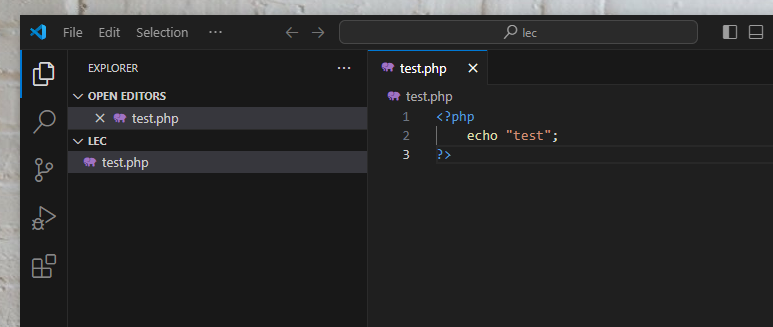
1.먼저 Visual Studio Code에서 다음 코드를 입력하고 test.php파일을 저장합니다.
First, enter the following code in the Visual Studio Code and save the test.php file.
비주얼스튜디오 코드 다운로드
Visual Studio Code Download
https://code.visualstudio.com/download
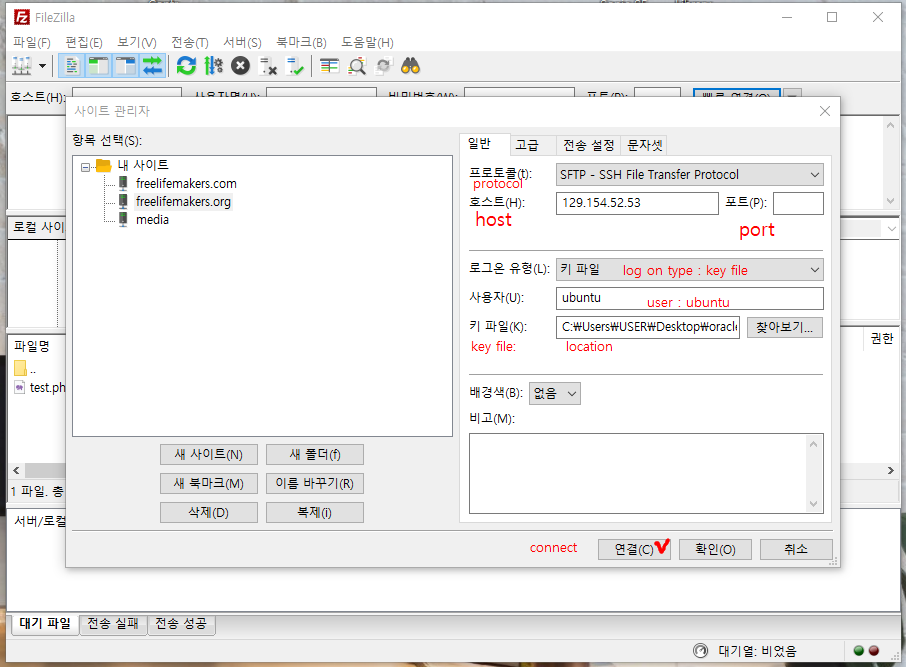
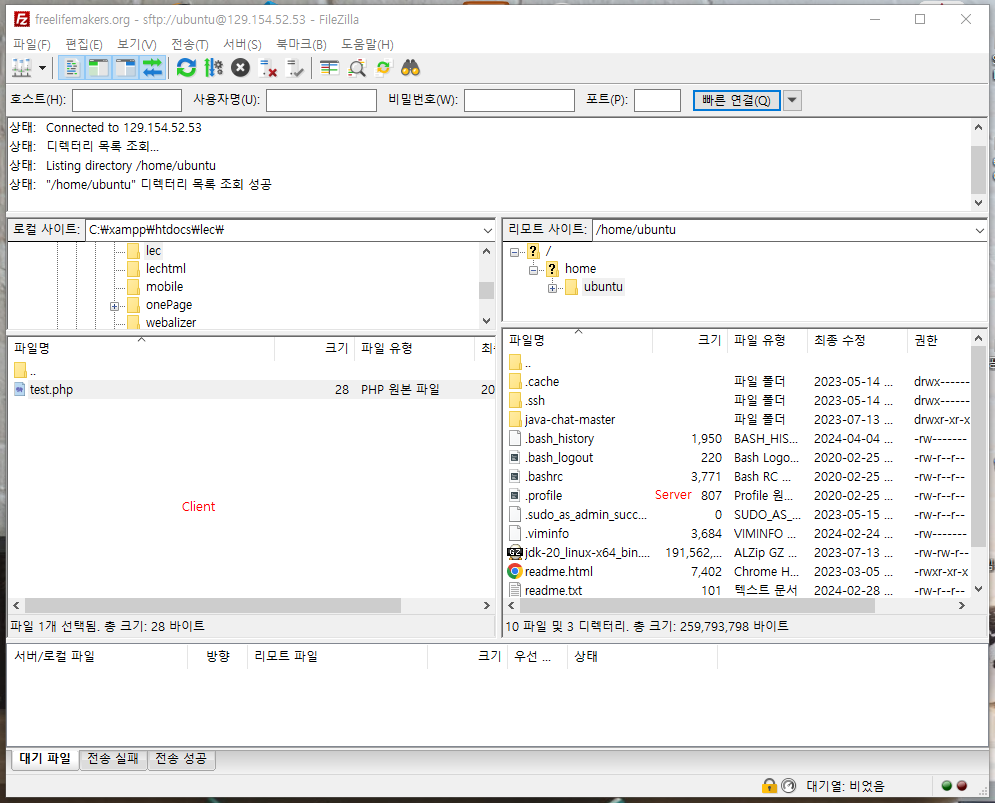
2.ftp접속을 통해서 리눅스 서버에 파일을 업로드 합니다.
Upload the file to the Linux server via ftp access.
ftp client program
https://filezilla-project.org/download.php?platform=win64
3.SSH를 이용해서 리눅서 서버에 접속 후 /var/www/html로 test.php파일을 옮깁니다.
Use SSH to connect to the server and move the test.php file to /var/www/html.
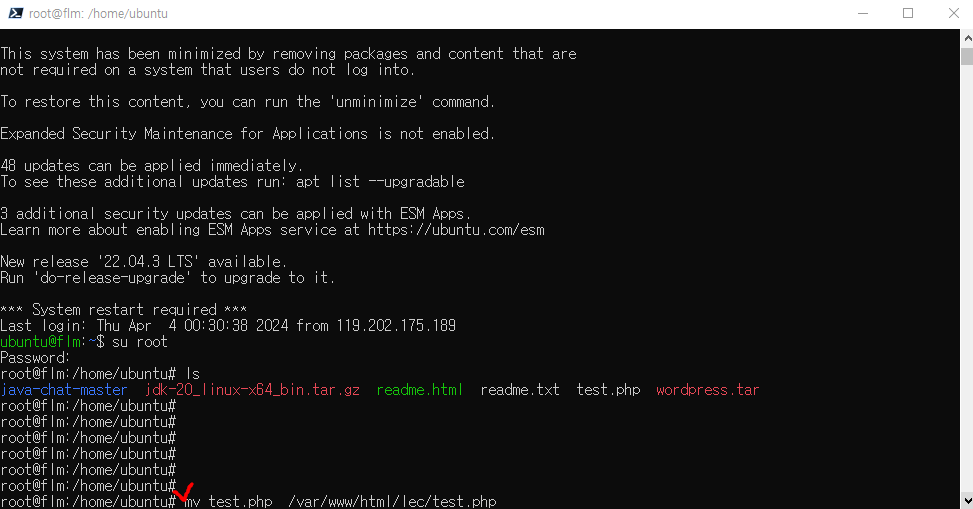
4.브라우저에서 접속해서 실행해 봅니다.
Try to access and run it in your browser.
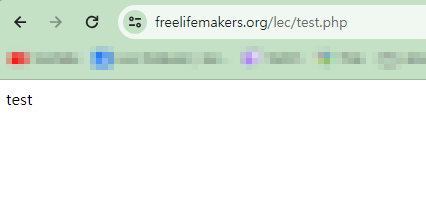
지금 여러분에 브라우저에서 접속해 보면 php가 실행된 화면을 볼 수 있습니다.
If you access it now in your browser, you can see the screen where php is enabled.