👉🏻 moment을 모듈을 설치하면 npm 모듈 설치방법에 대해서 배울 수 있습니다.
By installing the moment module, you can learn how to install npm modules.
👉🏻 moment모듈은 자바스크립트로 시간에 대한 다양한 형식을 표현할 수 있게 해줍니다.
The moment module allows you to represent time in various formats using JavaScript.
👉🏻 nodejs를 설치 하고 npm명령어를 통하여 패키지를 설치 하면 사용 할 수 있습니다.
기본 적인 패키지 설치 명령어는 아래와 같습니다.
You can use it by installing nodejs and installing the package through the npm command.
The basic package installation command is as follows.
# npm install moment👉🏻 moment모듈의 용도는 JavaScript로 날짜와 시간을 구문 분석, 검증, 조작 및 표시를 하기 위해서 사용합니다.
(memonet웹사이트 참조)
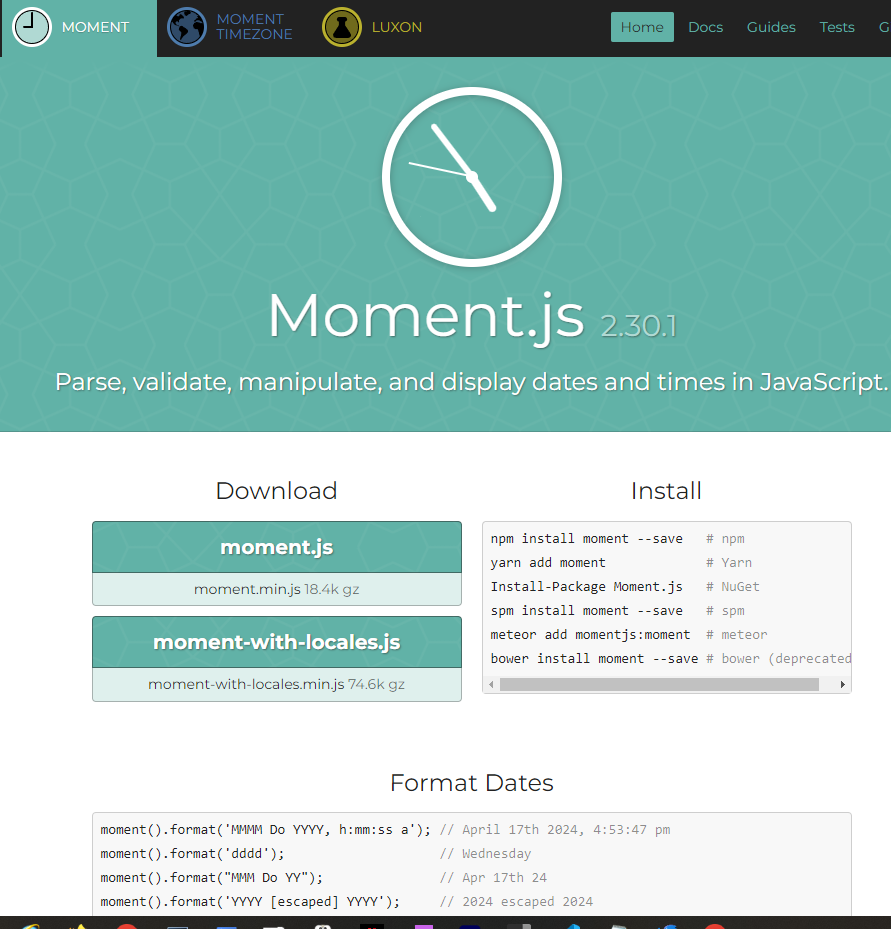
moment 모듈의 기본적인 사용방법은 https://momentjs.com/ 첫페이지에서 확인 할 수 있습니다.
The purpose of the moment module is to parse, verify, manipulate, and display dates and times in JavaScript.
(Refer to memonet website)
Basic instructions for using the moment module can be found on the first page of https://momentjs.com
👉🏻 아래는 moment를 사용하는 sever.js 예제 코드 입니다.
Below is sever.js example code using moment.
const http = require('http');
const moment = require('moment');

const server = http.createServer((req, res) => {
    res.writeHead(200, { 'Content-Type': 'text/plain' });
    res.end('CommonJS:Hello World!\n');
  });

// moment package
// usage : https://momentjs.com/
const mtime = moment().format('MMMM Do YYYY, h:mm:ss a');
const mtimes = moment().format('LT');
console.log(mtime);
console.log(mtimes);


// Start the server
const PORT = process.env.PORT || 3000;
server.listen(PORT, () => {
  console.log(`CommonJS:Server is running on port ${PORT}`);
});
👉🏻실행 / Run
✔️ 터미널 / Terminal
moment % node server.js
July 10th 2025, 02:02:12 am
02:02 AM
CommonJS:Server is running on port 3000
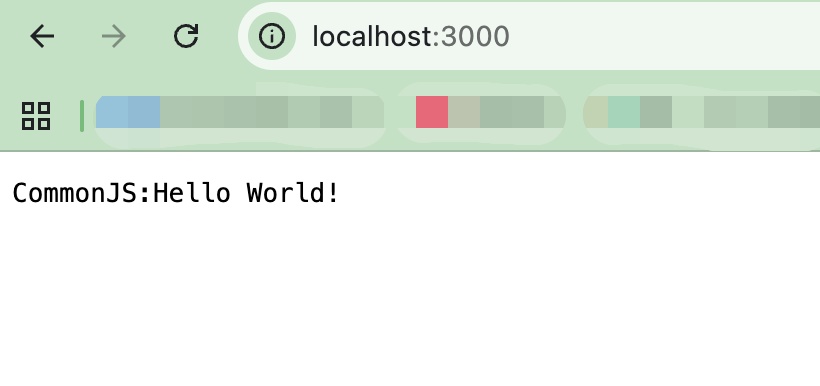
✔️ 브라우저 / Browser
— 터미널에서 서버 실행 후 브라우저에서 확인 할 수 있습니다.
You can check it in your browser after running the server in the terminal.
👉🏻 코드 설명 / Code Explanation
✔️ package.json
— dependencies항목에 moment가 있어야합니다.moment must be included in the dependencies section.
— npm install moment를 실행하면 moment항목이 자동추가됩니다.
Running npm install moment automatically adds the moment entry.
  "name": "moment",
  "version": "1.0.0",
  "description": "moment",
  "license": "ISC",
  "author": "",
  "type": "commonjs",
  "main": "index.js",
  "scripts": {
    "test": "echo \"Error: no test specified\" && exit 1"
  },
  "dependencies": {
    "moment": "^2.30.1"
  }
}
✔️ server.js
— moment 모듈을 추가하는 부분입니다.
This is the part where the moment module is added.
const moment = require('moment');— 여러가지 형식의 시간은 터미널에 출력합니다.
It outputs the time in various formats to the terminal.
const mtime = moment().format('MMMM Do YYYY, h:mm:ss a');
const mtimes = moment().format('LT');
console.log(mtime);
console.log(mtimes);
— 브라우저에서 3000번 포트로 실행될 http서버를 구성하는 부분입니다.
This section configures the HTTP server to run on port 3000 in the browser.
const http = require('http');

...

const server = http.createServer((req, res) => {
    res.writeHead(200, { 'Content-Type': 'text/plain' });
    res.end('CommonJS:Hello World!\n');
  });

...

// Start the server
const PORT = process.env.PORT || 3000;
server.listen(PORT, () => {
  console.log(`CommonJS:Server is running on port ${PORT}`);
});


